






Ask your database a question. Keep the answer live.
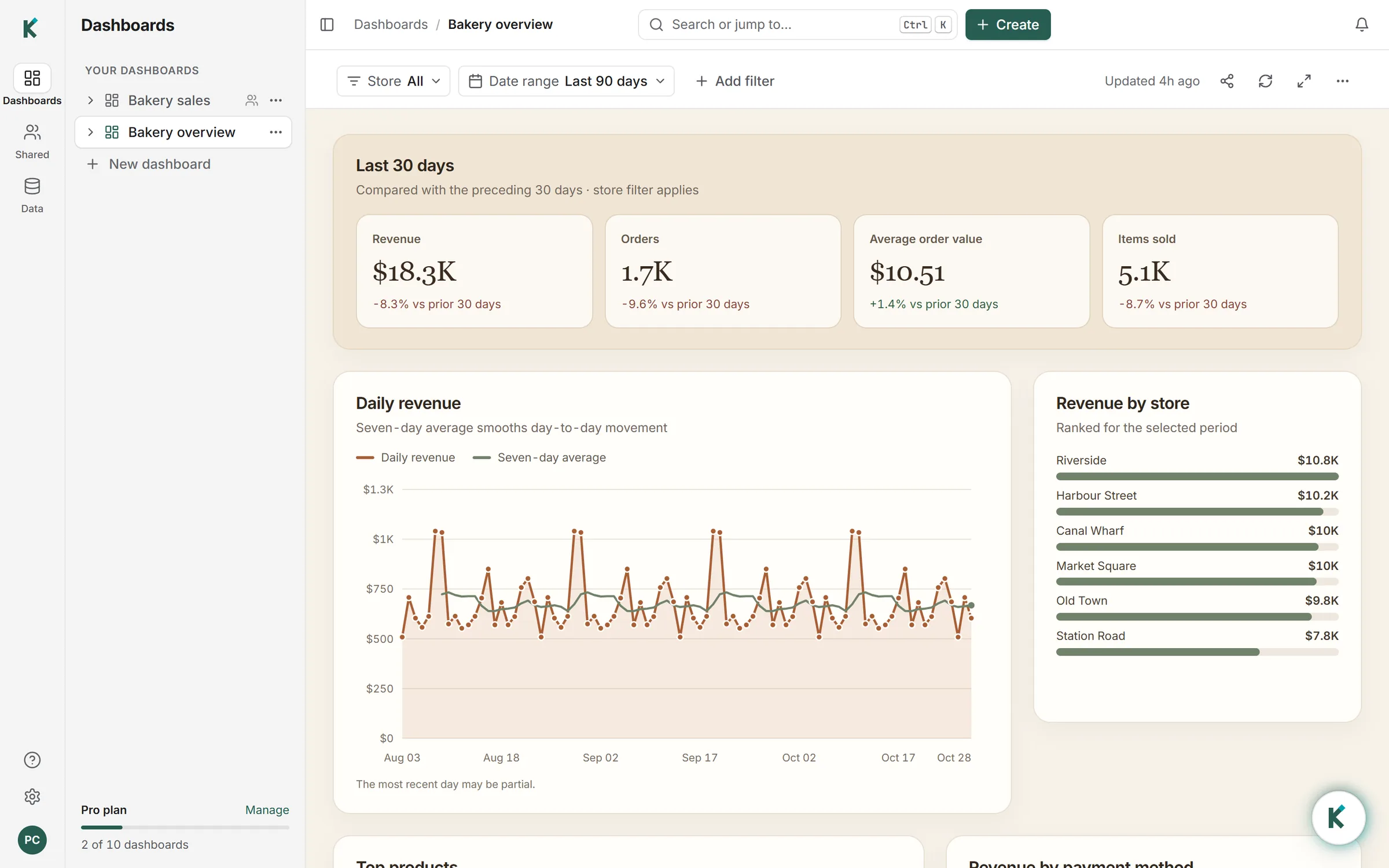
Klyrova’s AI agent reads your PostgreSQL, SQL Server, Azure SQL or Microsoft Fabric database, or the files you upload, writes the SQL and builds a dashboard you can share. Refresh replays that SQL, with no AI in the loop.
Free plan · 500 credits to start · no card
Works with your databases, your apps and your files

From a question to a dashboard that stays live
Four steps, and you only do the first one.
Ask in plain words
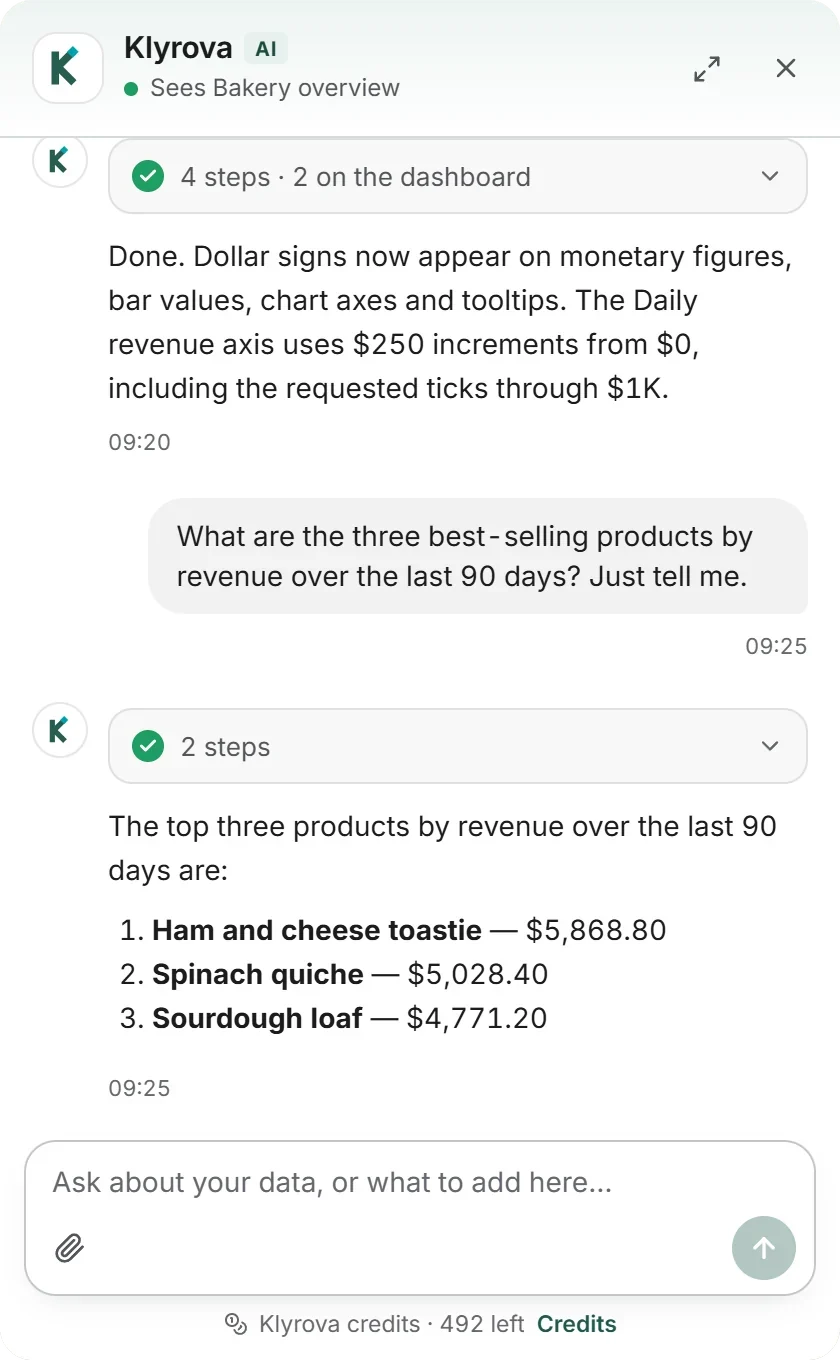
Connect a database or an app, or upload files, tick the tables you want, and ask. Klyrova reads the schema, writes SQL in your database’s own dialect and shows every step as it runs.
Nothing writes to your data
Every statement is checked before it reaches your database: one read-only SELECT, or it is refused before a connection opens. PostgreSQL also runs it inside a read-only transaction.
Read-only checkUPDATE orders SET total = 0;
Refused: not a single read-only statement
SELECT 1; DROP TABLE orders;
Refused: one statement at a time
SELECT s.name, SUM(o.total) AS revenue FROM model.orders o JOIN model.stores s ON s.store_id = o.store_id GROUP BY s.name;
Allowed: 6 rows
It designs the dashboard
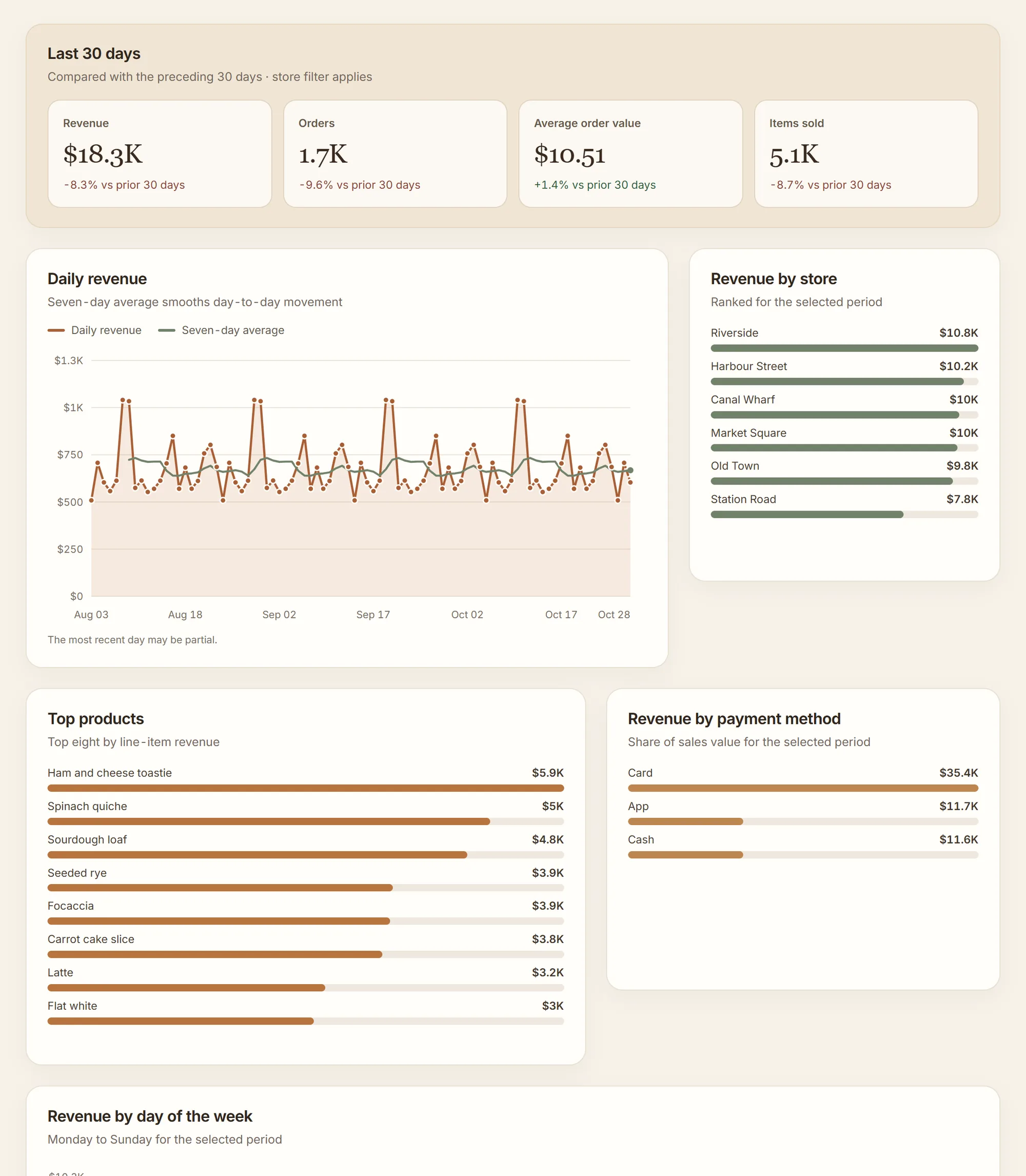
Each answer becomes a named dataset, and Klyrova lays out a page around them: figures, charts, tables of millions of rows, and filters that reach every query.
Refresh replays the SQL
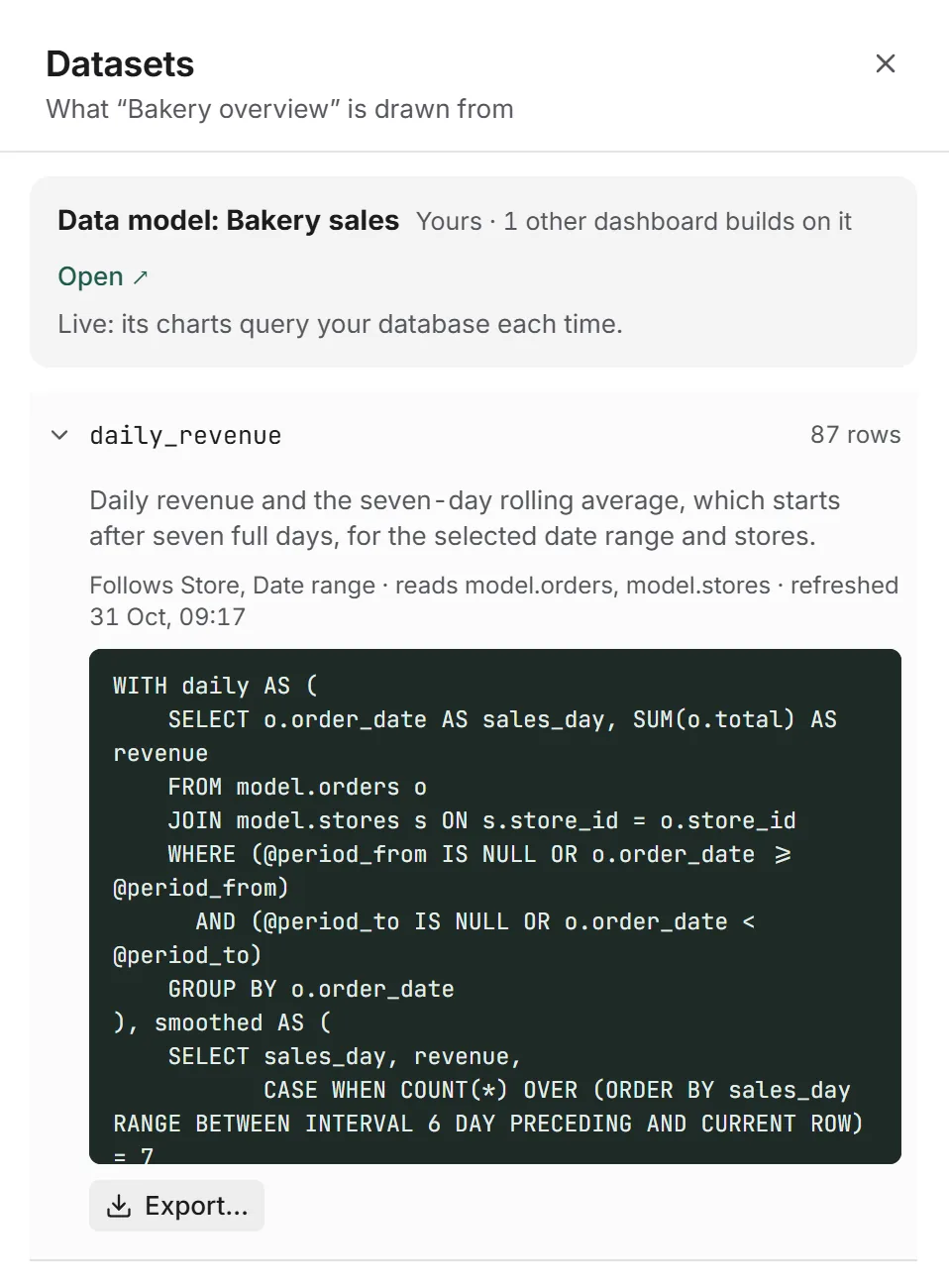
The dashboard keeps the exact query behind every number. Refresh it, or let a schedule do it while you’re away: the queries run again with no AI involved, so the numbers never drift.
Everything a dashboard needs, built by asking
Each of these is a sentence to Klyrova, not a settings page.
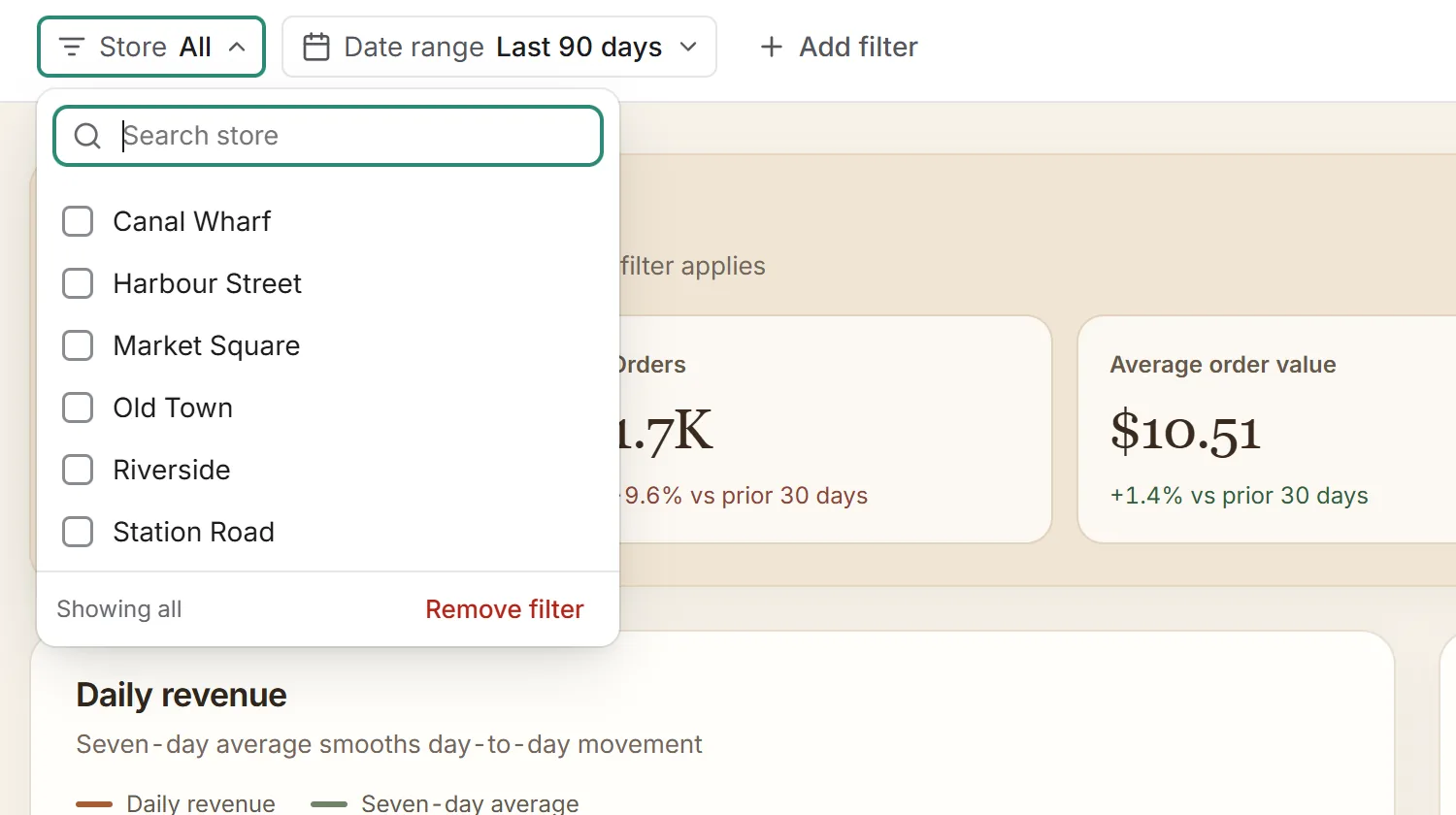
Filters that reach every query
Ask for a store or a date filter. A pick goes into each query as a parameter, so every chart answers for the same stores and dates.
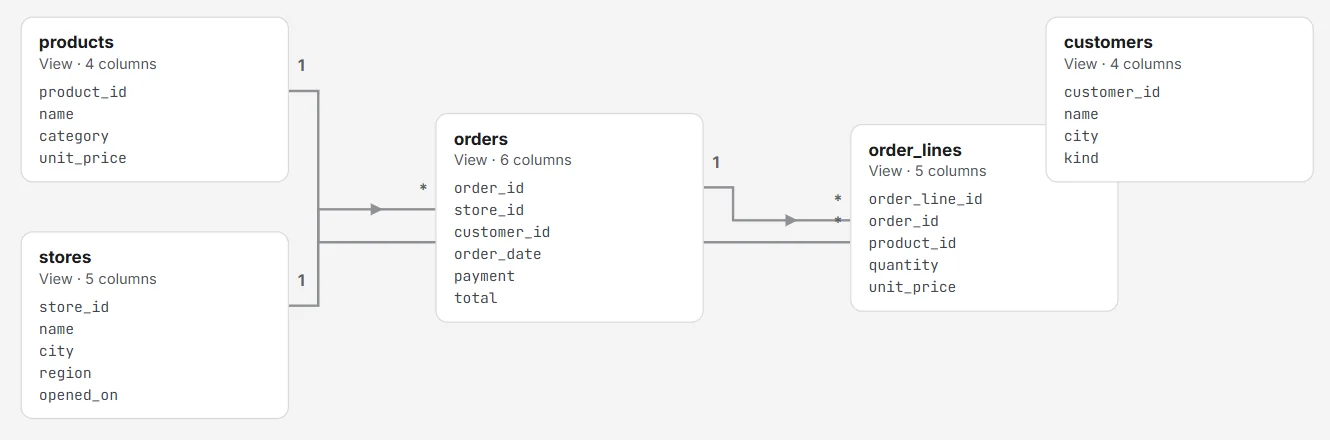
A data model, drawn for you
The tables you pick become views and relationships, and every dashboard on them reads the same definitions.
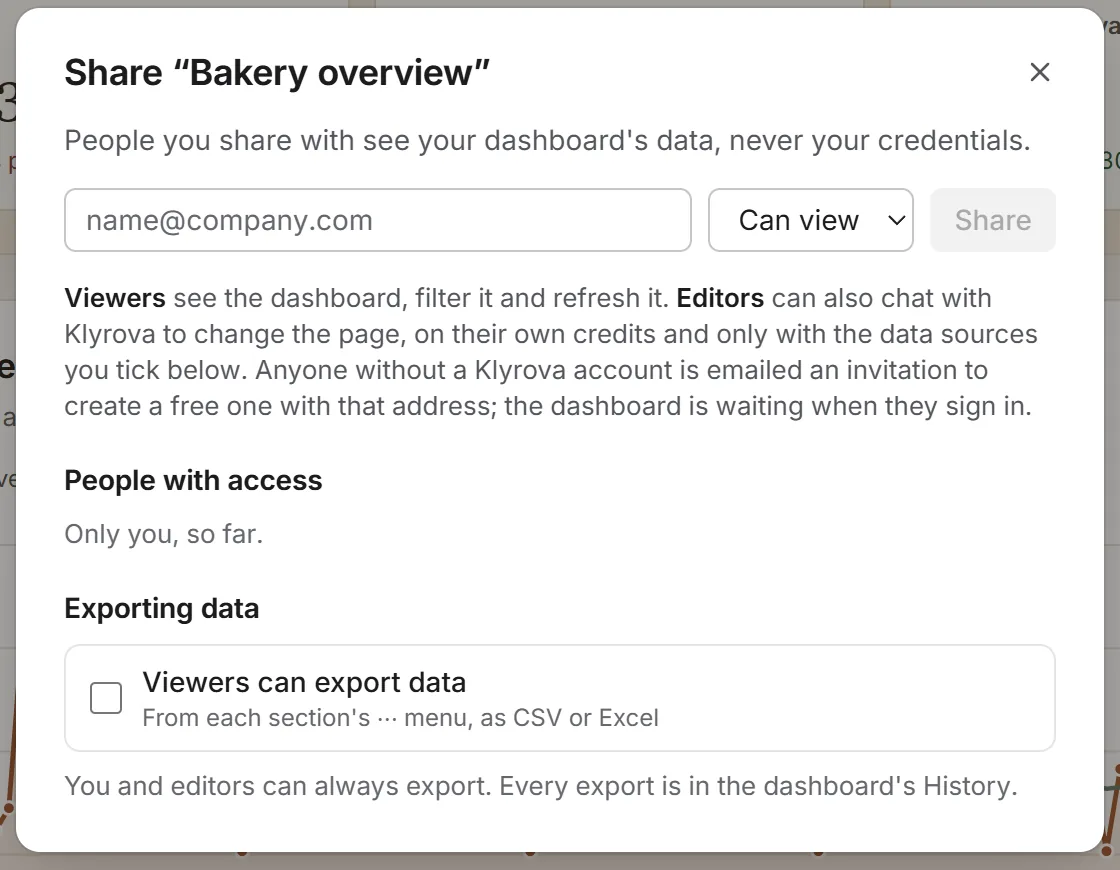
Share it, or publish it
Viewers filter and refresh; editors ask Klyrova for changes. On Pro, publish a link and embed it in your own app.
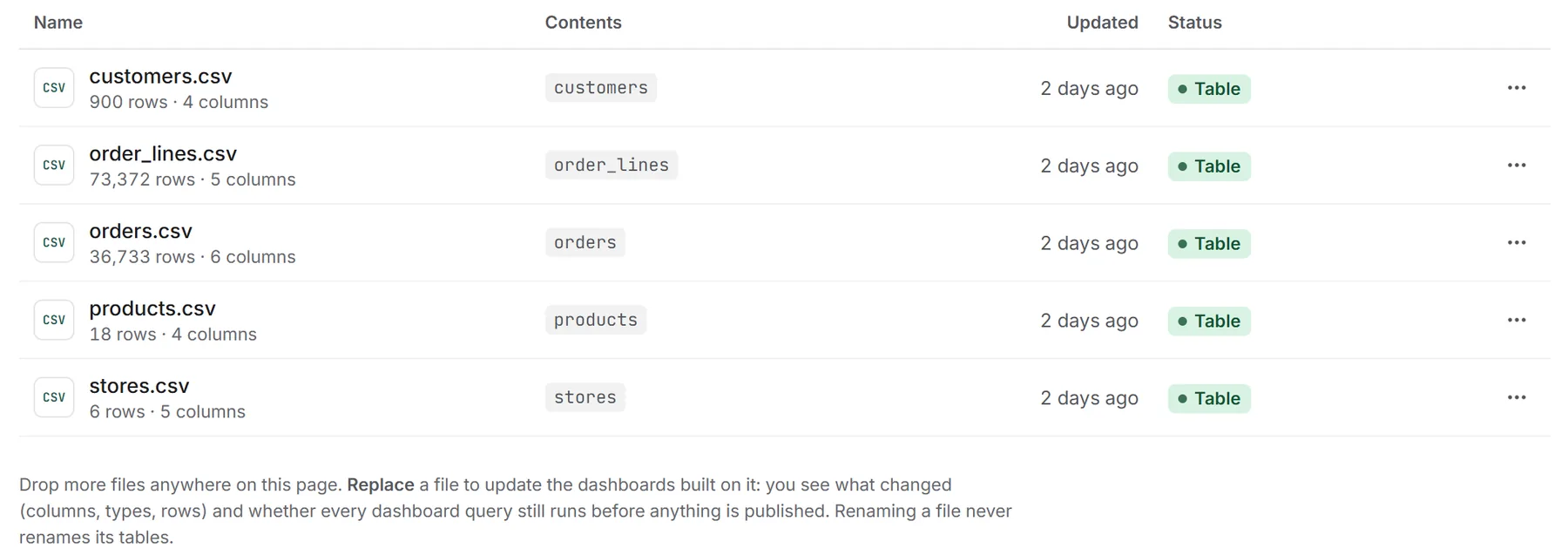
Your files are data too
Upload any file. CSV, Excel and JSON each become a table you can ask about; PDFs, Word, text and Markdown give Klyrova their words, and pictures can be shown. Replace a file and every dashboard on it updates, after a check that nothing breaks.
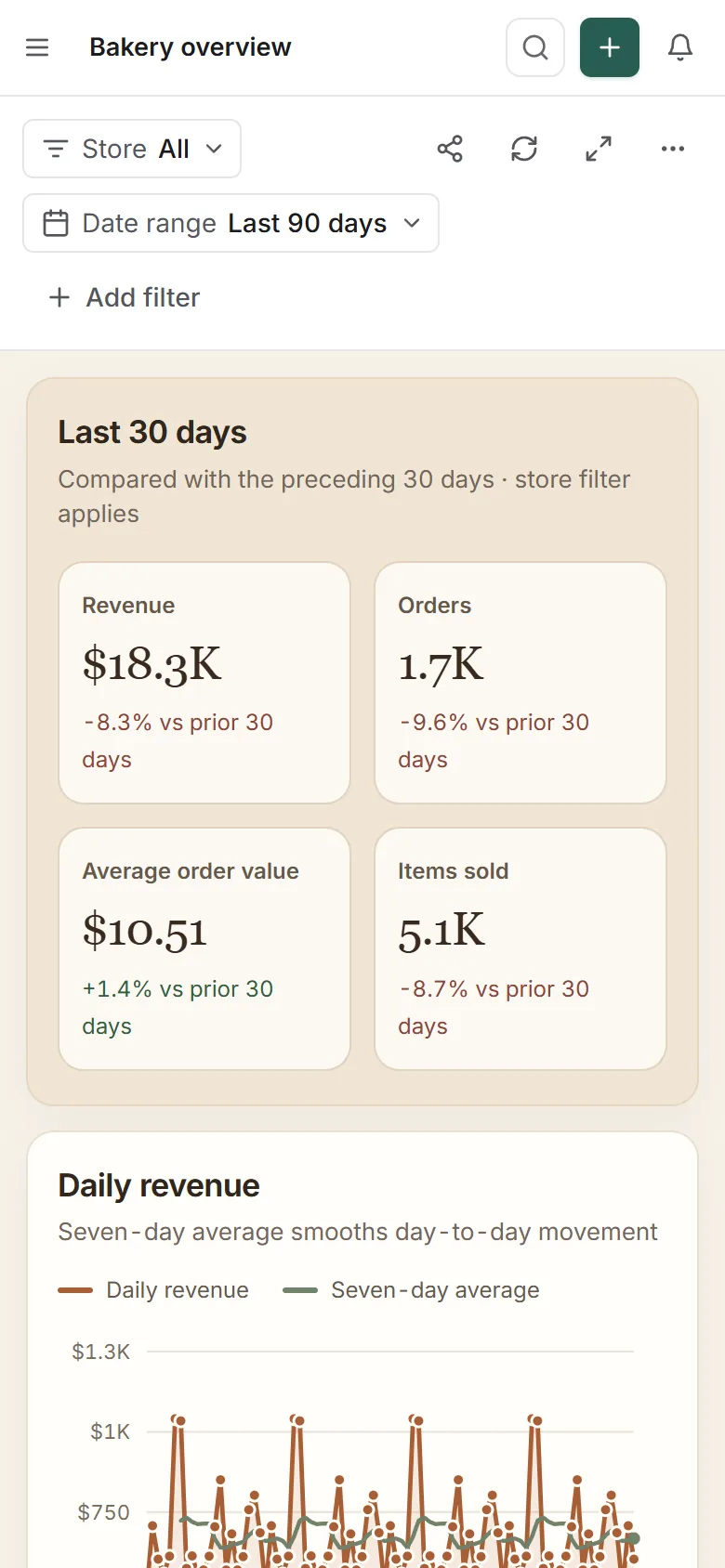
On your phone
Read the dashboard, ask a question, refresh. The page folds into one column.
Build it by hand, too
A report builder with 26 visual types, maps included, and Klyrova beside you to add or change anything.
Your apps are data
Connect Jira, Smartsheet or any REST API, and use it like a database: read live, or imported for speed.
Millions of rows
Tables page, sort and search on your database, a page at a time, not in your browser.
Excel and CSV
Export what a section shows, or on Pro every underlying row, up to five million.
Answers in milliseconds
On Pro, import a data model into a fast copy, on a schedule of up to eight times a day.
Your brand, your address
On Teams, yourteam.klyrova.app with your logo, colours and sign-in rules.
Read-only by contract, not by promise.
Klyrova only ever reads. The check runs before your database sees a query, your passwords stay encrypted, and the people you share with see results, never credentials.
Checked before it runs
One SELECT or WITH: no batches, no SELECT INTO, nothing that writes. PostgreSQL adds a read-only transaction on top.
Credentials stay yours
Passwords are encrypted, tied to your account and never shown again. Shared dashboards run on your connection without revealing it.
Refresh without the model
Saved dashboards replay their stored SQL. The AI isn’t asked again, so it can’t change what a number means.
Free to start. $18 when you need more.
Klyrova runs the AI and charges it in credits. Every account starts with 500, and refreshing a dashboard costs nothing.
Free
$0
Try it on one source.
- 2 dashboards
- 1 live data source · 1 bucket, 100 MB
- Auto-refresh once a day
Pro
$18a month
For you, on all your data.
- 10 dashboards, $2 a month for each one more
- 5 live data sources, $4 a month for each one more
- 5 buckets, 3 GB · live dashboards every 5 minutes
Teams
$28a person a month
For your whole organisation.
- Everything in Pro, for each person
- Your address, logo and colours: yourteam.klyrova.app
- Google, Microsoft or email sign-in, your choice
Ask your first question today.
Connect a database or drop in a CSV, and watch Klyrova build the first dashboard.