






What a white label AI dashboard is
A white label AI dashboard is dashboard software that another company runs, presented under your brand, with an AI agent that builds the dashboards for you. You get the product without building or hosting it; the people you give it to see your name, your logo and your colours, not the vendor's.
Klyrova's version is a branded portal at yourteam.klyrova.app. Everyone you invite signs in there, builds dashboards by asking for them, and shares them with colleagues or clients, who see the same brand. The AI agent writes read-only SQL against your data, draws each dashboard as a page, and refreshes it by replaying the stored queries, so dashboards stay live without an AI model in the loop. How the dashboards themselves work is on the AI dashboards page.
What you can brand
A team's admins set the brand in the Team area, and every change previews across the whole app as you type, before you save it.
| What | What people see |
|---|---|
| Address | Your own portal at yourteam.klyrova.app: 3 to 32 letters, digits and hyphens of your choice. It has its own HTTPS certificate, and is kept out of search engines. |
| Name | Your team's name, and an optional product name that becomes the browser tab's title (call it "Acme Insights" if you like). |
| Logo and mark | A wide logo and a square mark (PNG, JPEG, WebP or SVG, up to 512 KB each). The mark is the tab icon and sits at the top of the app's rail. |
| Colours | A primary colour that replaces Klyrova's pine on buttons, links and highlights, deepened automatically where white text needs it to stay readable, and an optional accent. |
| Sidebar | Light, tinted with your colour, or painted in your brand colour. |
| Sign-in page | Your logo, a headline and a message of your own ("Sign in with your work account"), and your help address or link. |
| Emails | Password resets, confirmations, invitations and shared-dashboard emails go out in your team's name with your logo and button colour, and replies go to your support address. |
| Dashboards | A chart palette of three to six colours and short style notes that the AI agent follows on every dashboard your members build. |
| PDF exports | Your logo in the header and your colour under it, with your team's name in the footer. |
Dashboards that look like yours
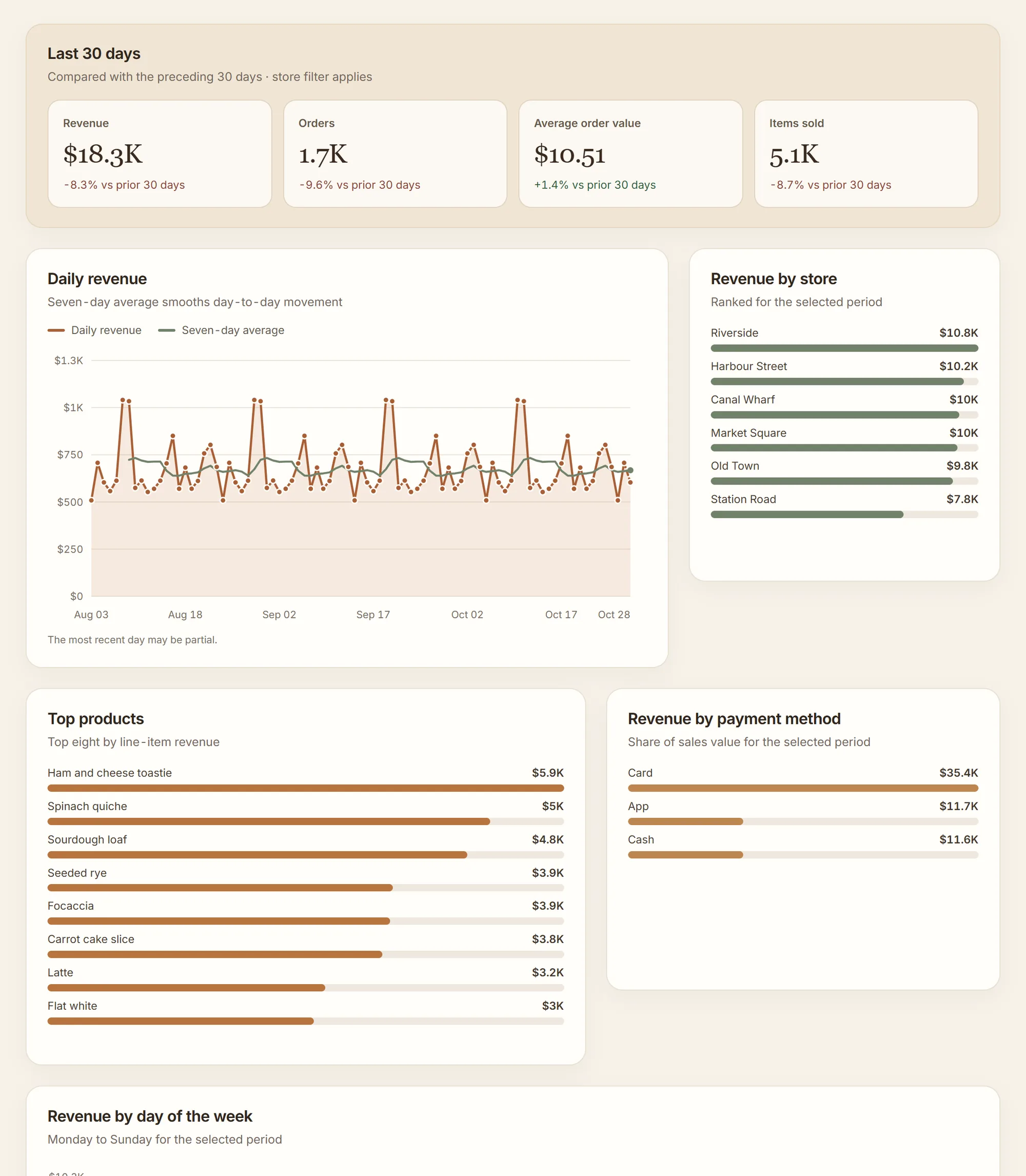
Klyrova's agent designs each dashboard page for its data, so a white-label portal would be half done if the dashboards came out in someone else's colours. On a team, the agent follows your house style: your brand colour, your chart palette in place of Klyrova's series order, and the notes your admins wrote ("use our navy for totals, keep red for overdue items only"). The palette is checked when you save it, so every colour can be seen on a white page and neighbouring colours are far enough apart to tell apart in a chart.
"Build the monthly client report: revenue, margin by product line, and the ten largest accounts."
The agent writes the queries, checks the rows, and draws the page in the team's palette, under the team's logo. The client opens it on your portal, and a PDF export carries your logo too.
Sign-in rules for your organisation
- Sign-in methods. Choose which ways your members may sign in: email and password, Google, Microsoft (work, school or personal accounts), or any mix. The rule follows your members everywhere, not only on your portal.
- Invitations. Invite people by email, up to 50 at a time. They join by signing in on your portal.
- Join domains. Let anyone with a confirmed address at your company's domain join by signing in. The domain must be one a team admin's own confirmed address is at, and public mail domains such as gmail.com can't be used.
- Roles. Admins manage the brand, the address, sign-in rules, people and billing; members build and share dashboards.
- One home. A member who signs in at klyrova.app is moved to your portal. A portal only lets in your members and the people a member has shared a dashboard with; anyone else is turned away with the reason.
For your clients, not only your staff
If you build dashboards for clients, as a consultancy, an agency or a software company, the client doesn't need a seat. A member shares a dashboard with the client's email address as a viewer or an editor; the client signs in on your portal (with a free Klyrova account, created in a minute if they don't have one) and sees the dashboards shared with them under your brand. Shares are not limited by plan.
To put a dashboard inside your own product or website instead, publish it and paste the embed code. A private link asks viewers to sign in first, and a public link needs no sign-in at all. Both are on the embedded analytics page.
What stays Klyrova's
White label here means your brand everywhere people work, with a few honest exceptions:
- The address is a subdomain of klyrova.app. A domain of your own, such as
analytics.yourcompany.com, isn't offered. - A small "Powered by Klyrova" line sits at the foot of the sidebar and on the sign-in page, and the AI assistant is still called Klyrova.
- Published embeds carry a small Klyrova mark.
- The privacy policy and terms on your portal are Klyrova's, because they still apply to everyone using it.
A team is a brand, people and sign-in rules, not a pooled workspace: each member keeps owning their own dashboards, data sources and credits. Data models can be shared with the team, so one person's model of the sales database can sit under everyone's dashboards, reading the owner's connection without handing anyone the password.
What it costs
Klyrova Teams is $28 a person a month, or $264 a person a year ($22 a month). A team can be one person to start. Each member gets everything in Pro: 10 dashboards, 5 live data sources, 5 buckets with 3 GB, refresh as often as every five minutes, imported data models, publishing and embedding, plus 750 credits a month for the AI. A seat is charged when someone joins, for the rest of the billing period; a seat freed by someone leaving stays paid until the renewal, so the next person can take it at no charge. Admins can also buy extra dashboard and data-source slots ($2 and $4 a month) and give them to the people who need them. Everything is on one bill, in the team's name. See pricing.
Questions about white-label AI dashboards
Can I use my own domain instead of a klyrova.app address?
Not today. Each team gets its own address at yourteam.klyrova.app, with its own certificate, branded sign-in page and branded app. A custom domain of your own isn't available.
Do my clients need a paid seat to see the dashboards I build for them?
No. Seats are for your team's members. Share a dashboard with a client's email address and they sign in on your portal with a free Klyrova account to see it under your brand, or publish the dashboard and embed it in your own site.
Will the AI dashboards use my brand colours?
Yes. The agent follows your team's house style on every dashboard a member builds: your brand colour, a chart palette of three to six colours you choose, and style notes written by your admins.
Is any Klyrova branding left?
A small "Powered by Klyrova" line at the foot of the sidebar and on the sign-in page, the assistant's name, and a small Klyrova mark on published embeds. Everything else, including emails and PDF exports, carries your brand.
Which databases can a white-labelled portal connect to?
The same as Klyrova: PostgreSQL, SQL Server, Azure SQL Database and Microsoft Fabric, uploaded CSV, Excel and JSON files, and apps such as Jira, Smartsheet and any JSON REST API. Every query is read-only; see security.
How many people does a team need?
One. A team of one person costs $28 a month and gets the branded portal; add people when you need them, and each is charged from the day they join.
Updated 14 November 2026