






What text to SQL is
Text to SQL (also called natural language to SQL, or NL2SQL) turns a question such as "which ten customers spent the most last quarter?" into a SQL query a database can run. Most text-to-SQL tools hand you the query and leave the rest to you. The hard part is everything around it: knowing which tables exist and how they join, writing the dialect your database speaks, not touching data you didn't mean to change, and checking whether the answer is plausible.
How Klyrova does it
- It looks before it writes. The agent lists your schemas and tables, describes the ones that matter, and reads the relationships, rather than guessing column names.
- It writes your dialect. T-SQL for SQL Server, Azure SQL and Fabric warehouses; PostgreSQL's own SQL; DuckDB SQL for uploaded files and connected apps; KQL for Fabric KQL databases.
- It checks the query is read-only. Before anything reaches your database, Klyrova's guard refuses any statement that isn't a single SELECT or WITH: no INSERT, UPDATE, DELETE or DROP, no batches, no SELECT INTO. SQL Server queries are parsed with Microsoft's own T-SQL parser, and PostgreSQL queries also run inside a read-only transaction.
- It runs it and reads the result. If the rows look wrong (an empty result where there should be data, a total that doesn't add up), it says so and tries a better query.
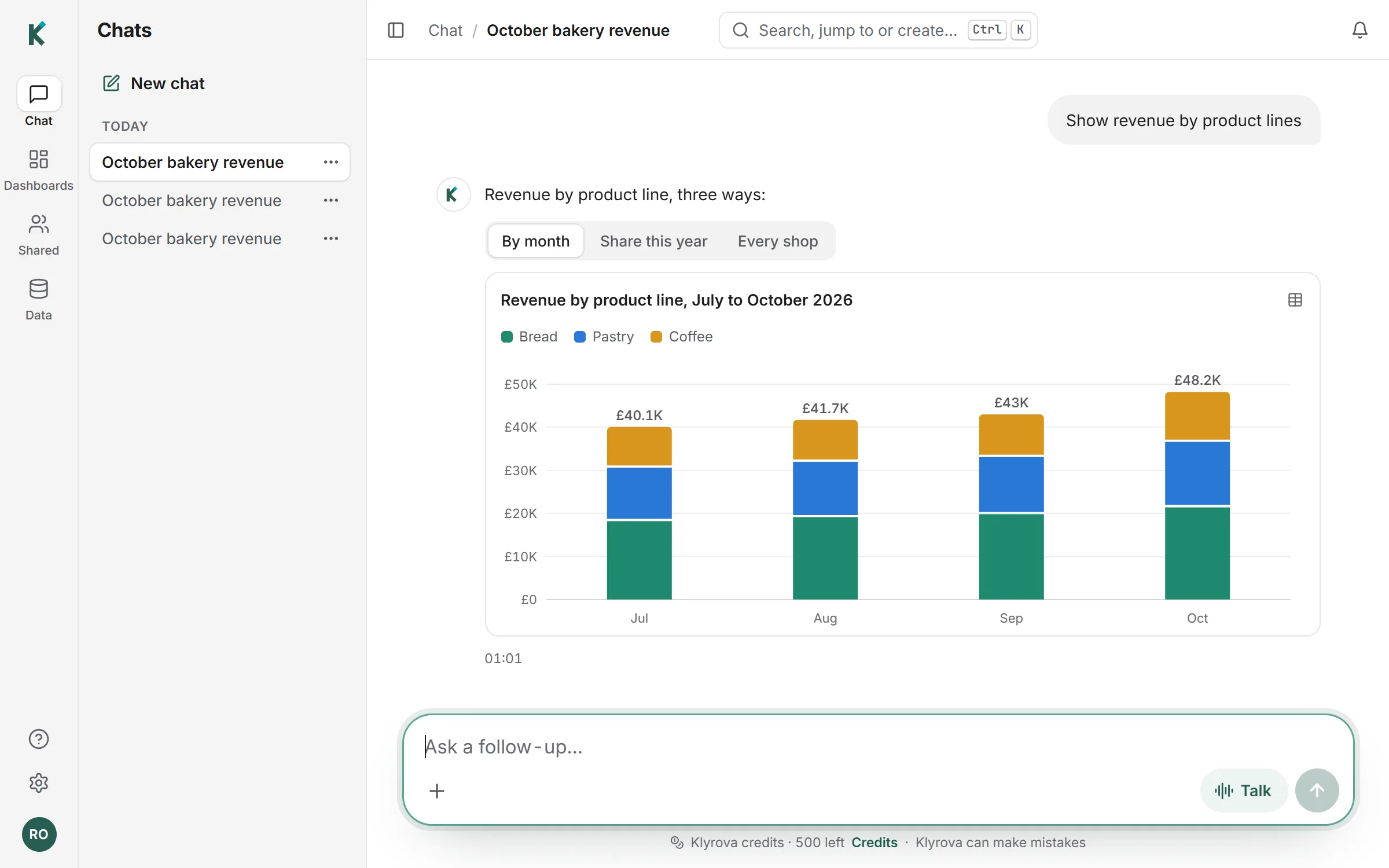
- It answers. In words, with a chart or a table drawn from the rows, and the SQL in the steps above the answer.
"Average order value by month for the last six months, compared with the same months last year."
Klyrova grouped orders by month for both periods in one query, divided revenue by the number of orders, and drew the two years as lines.
SELECT DATE_TRUNC('month', ordered_at) AS month,
               SUM(total) / COUNT(*)            AS avg_order_value
        FROM   orders
        WHERE  ordered_at >= CURRENT_DATE - INTERVAL '18 months'
        GROUP  BY 1
        ORDER  BY 1;
Better SQL from a data model
Text to SQL is only as good as its understanding of your business. In a data model, revenue, active customer or margin are defined once, as measures, and tables are joined by relationships you can see. The agent writes against those definitions, so two questions about revenue use the same formula.
From a query to something you keep
A good answer can become a dashboard: each chart is a stored query, replayed on refresh with no AI involved, so the number means the same thing tomorrow. Filters reach into the query as parameters bound by the database driver, never pasted into the SQL.
Questions about text to SQL
Which databases does it write SQL for?
PostgreSQL, Microsoft SQL Server, Azure SQL Database and Microsoft Fabric (including KQL databases), plus uploaded files and connected apps such as Jira and Smartsheet, which are queried with DuckDB SQL.
Can it run UPDATE or DELETE statements?
No. Only a single SELECT or WITH statement gets past Klyrova's read-only check. For a second lock, connect with a read-only database user; see the guide.
Can I see and edit the SQL?
Yes. Every query is shown in the answer's steps. Ask the agent to change it, or copy it.
How accurate is it?
The agent reads your schema first and checks its results, which avoids most wrong guesses, but AI can still be wrong. The SQL is always shown so you can check it.
Do I need to set up an AI key?
No. Klyrova runs the AI; questions are paid for in Klyrova credits, and every account starts with 500.
Updated 14 November 2026