






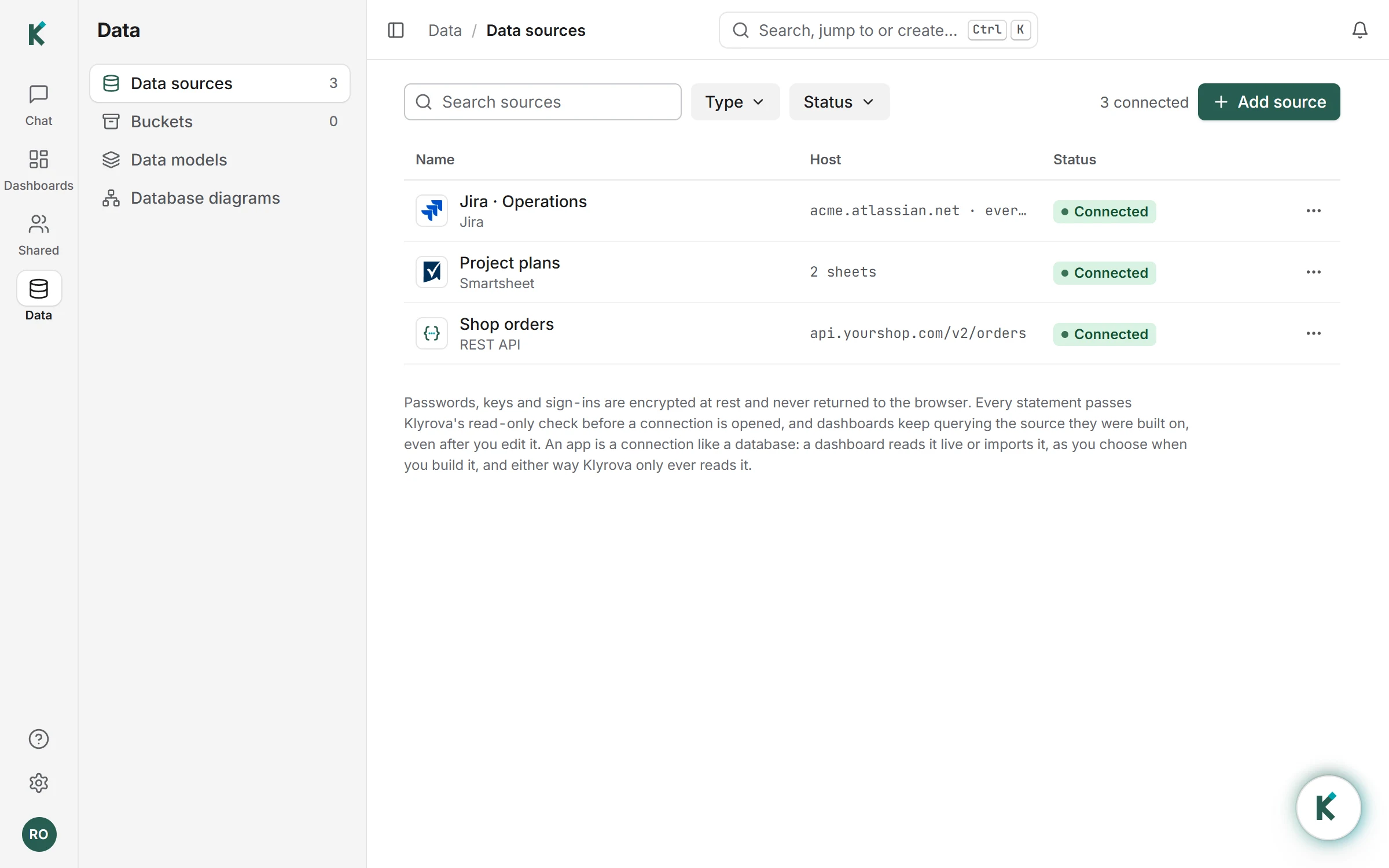
Connect Jira in a minute
- In Data sources, choose Add source, then Jira.
- Choose Sign in with Atlassian. Atlassian's own page asks which site Klyrova may read, and what: projects, issues and the names of the people on them, read only. Or connect with your email and an API token instead.
- Pick every project or only some. That saves the connection; nothing is read yet.
- When you build a dashboard on it, tick its tables and choose how the dashboard reads them, as for a database: live, or imported (on Pro and Teams) at set times, up to eight a day.
Klyrova looks at the site before anything is saved (it lists your projects), so what you connect is known to work.
What Klyrova reads
Two tables that any chart, model or question can use:
- projects: each project's key, name and type.
- issues: key, summary, type, status and status category, priority, resolution, project, assignee, reporter and creator by name, created, updated, resolved and due dates (in UTC), estimates and time spent in hours, labels, components, fix versions and the parent issue, plus up to 60 of your own custom fields with plain values, named after the field.
Live, every refresh, filter and question reads Jira afresh and Klyrova keeps nothing, so a dashboard is as current as Jira itself. Imported, the dashboard's data model keeps a copy and replaces it at each import, and every dashboard on the model refreshes; if an import fails, the last good copy stays and the model says why. Live suits a site of modest size; importing suits a big site, or a dashboard many people open, since filters then answer from Klyrova's copy in milliseconds. You can switch a dashboard between the two in its settings (Dashboard settings, Refresh).
Ask anything about your work
Once Jira is connected, Klyrova's agent knows it is there. Ask in the chat, and it writes the SQL against your issues and shows the answer as a chart, a table or a few figures:
"Which projects have the most open issues, and how many of them are overdue?"
Klyrova counted open issues by project from the issues table, compared each due date with today, and drew a bar chart with the overdue share beside each project.
Then keep it: ask Klyrova to build a Jira dashboard (open work by status, throughput by week, overdue issues by assignee), or build a report yourself in the report builder. Jira tables can sit in the same data model as your database, so a page can show delivery next to revenue.
Read only, and private
Klyrova only reads from Jira and never changes an issue. The sign-in asks for read access alone. Tokens are encrypted and never shown again. Because what Klyrova holds can name people (an import, or the rows a dashboard shows), Klyrova reports those accounts to Atlassian as Atlassian's privacy rules require, and reads Jira again when Atlassian says an account was closed or changed.
Limits worth knowing
Klyrova reads Jira Cloud sites. A live read takes at most a minute and 250,000 rows a table; a site too big for that is refused with a note to import it instead. One import reads up to two million rows and 400 MB a table within 20 minutes; past that it is refused in words and the last import stays. Importing is on Pro and Teams, up to eight set times a day. A connected app counts as one data source on your plan.
Questions about Jira dashboards
Does Klyrova work with Jira Server or Data Center?
No. Klyrova connects to Jira Cloud sites, such as yourcompany.atlassian.net.
Can Klyrova change my Jira issues?
No. It asks Atlassian for read access only and never writes to Jira.
Are custom fields included?
Yes, up to 60 custom fields with plain values (text, numbers, dates, options, people and lists of them), each as a column named after the field.
How fresh is the data?
Read live, as fresh as Jira: every refresh, filter or question reads it again (one read serves everything asked within a minute). Imported, as fresh as the last import: up to eight set times a day on Pro and Teams, or Import now. Dashboards say when their data was last refreshed.
Should I read Jira live or import it?
Live keeps nothing in Klyrova and suits a site of modest size. Import suits a big site or a busy dashboard, because its filters answer from Klyrova's own copy without asking Jira each time.
Can I combine Jira with my database?
Yes. Put both in one data model, and a dashboard can show them side by side.
Updated 16 November 2026