





What talking to your data means
Most "talk to your data" tools mean typing into a chat box. Klyrova also takes it literally: a voice call with its data agent. It is useful when your hands are busy, when you are thinking out loud, or when a meeting needs a number now. The call is the same agent as the chat: it knows your sources, data models and dashboards, and it can do anything a typed question can, including building or changing a dashboard while you talk.
How a call works
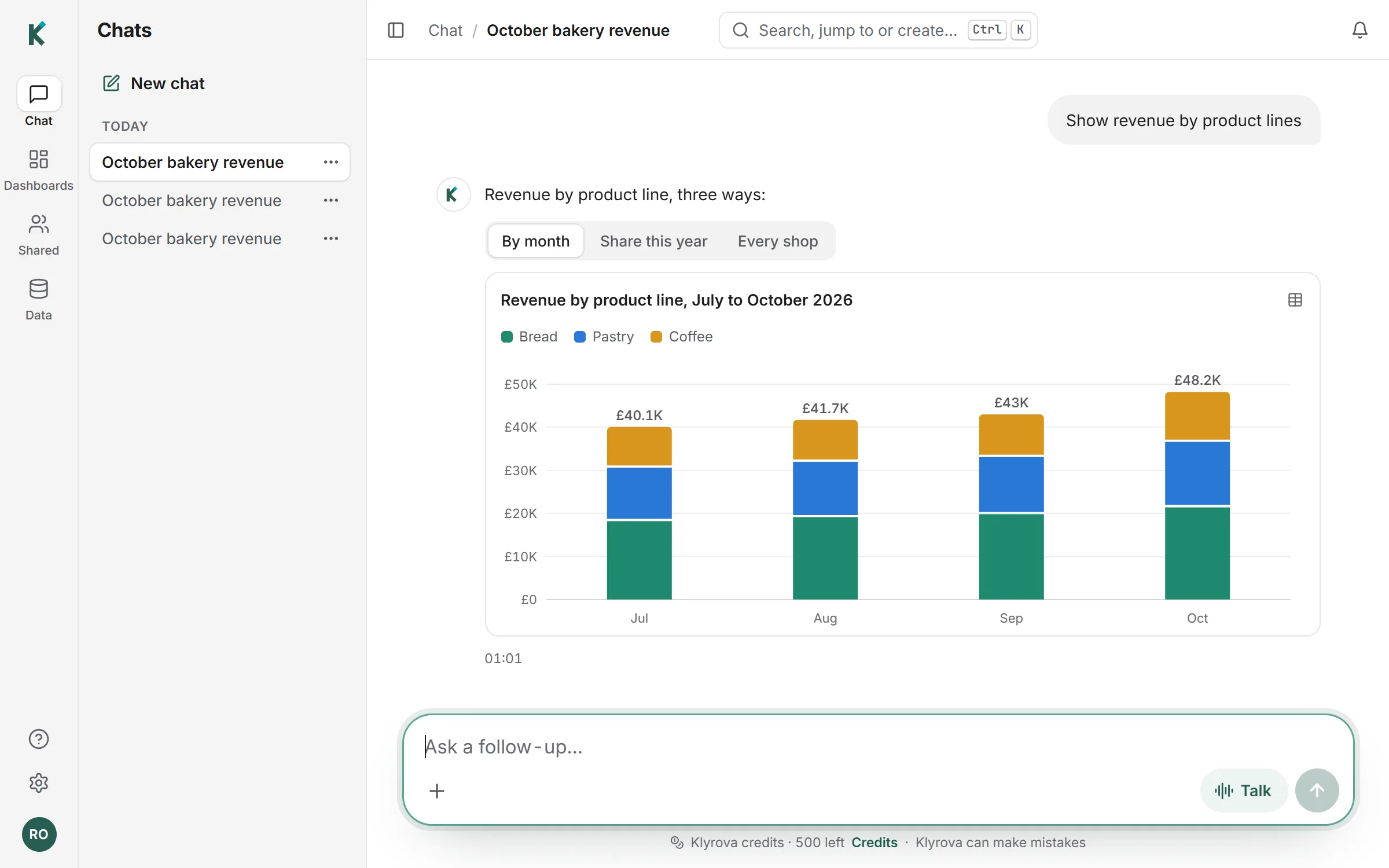
- Press Talk in any chat box, on the chat page or on a dashboard. Your browser asks for the microphone once.
- Ask. Your words appear as captions, and the question is saved in the chat with a small microphone beside it.
- When a question needs data, the agent runs the queries, the steps show on screen, and the voice tells you the answer in plain sentences, leaving the exact figures to the chart.
- Keep going with follow-ups, or say goodbye: the call ends by itself. You can mute or hang up at any time.
A call that starts on a dashboard works on that dashboard: "add a filter for region" or "make the chart weekly" changes it while you watch.
What it costs
Calls are paid for in Klyrova credits, by the second, plus the usual credits for the queries the agent runs. A call ends before your credits run out, and lasts up to 15 minutes. Your remaining credits are shown under the chat box.
Privacy
During a call, the audio goes to Klyrova's AI provider to be understood and spoken. Klyrova keeps the words of the conversation in your chat, like any typed message, and never stores the audio. Queries still go through Klyrova's read-only check, so a spoken question can no more change your data than a typed one.
When to type instead
Voice is quick for questions and changes. For long, precise requests (a dashboard with six sections and three filters), typing is clearer, and the same chat holds both.
Questions about talking to your data
Do I need special software?
No. Calls run in your browser with your computer's or phone's microphone.
Can it build a dashboard by voice?
Yes. A call on a dashboard can add charts, filters and changes, which appear on the page as you talk.
Is the audio recorded?
No. The words are saved in your chat as text; the audio is not kept.
How is a call charged?
In Klyrova credits, by the second, plus the credits for any queries it runs.
Can I move to another page during a call?
Yes. A small call bar stays in reach while you move around Klyrova, so you can open a dashboard and keep talking.
Updated 14 November 2026