






Why put Smartsheet data in Klyrova
Smartsheet is where plans, trackers and intake forms live. Questions that cross sheets, or that need a chart Smartsheet can't draw, usually end in an export to a spreadsheet that is stale the next morning. Klyrova reads the sheets you choose, live each time or from a copy it imports on a schedule, and lets you ask and build on them like any other data, including next to your database.
Connect it
- In Smartsheet, open Account, Personal Settings, API Access, and generate an access token.
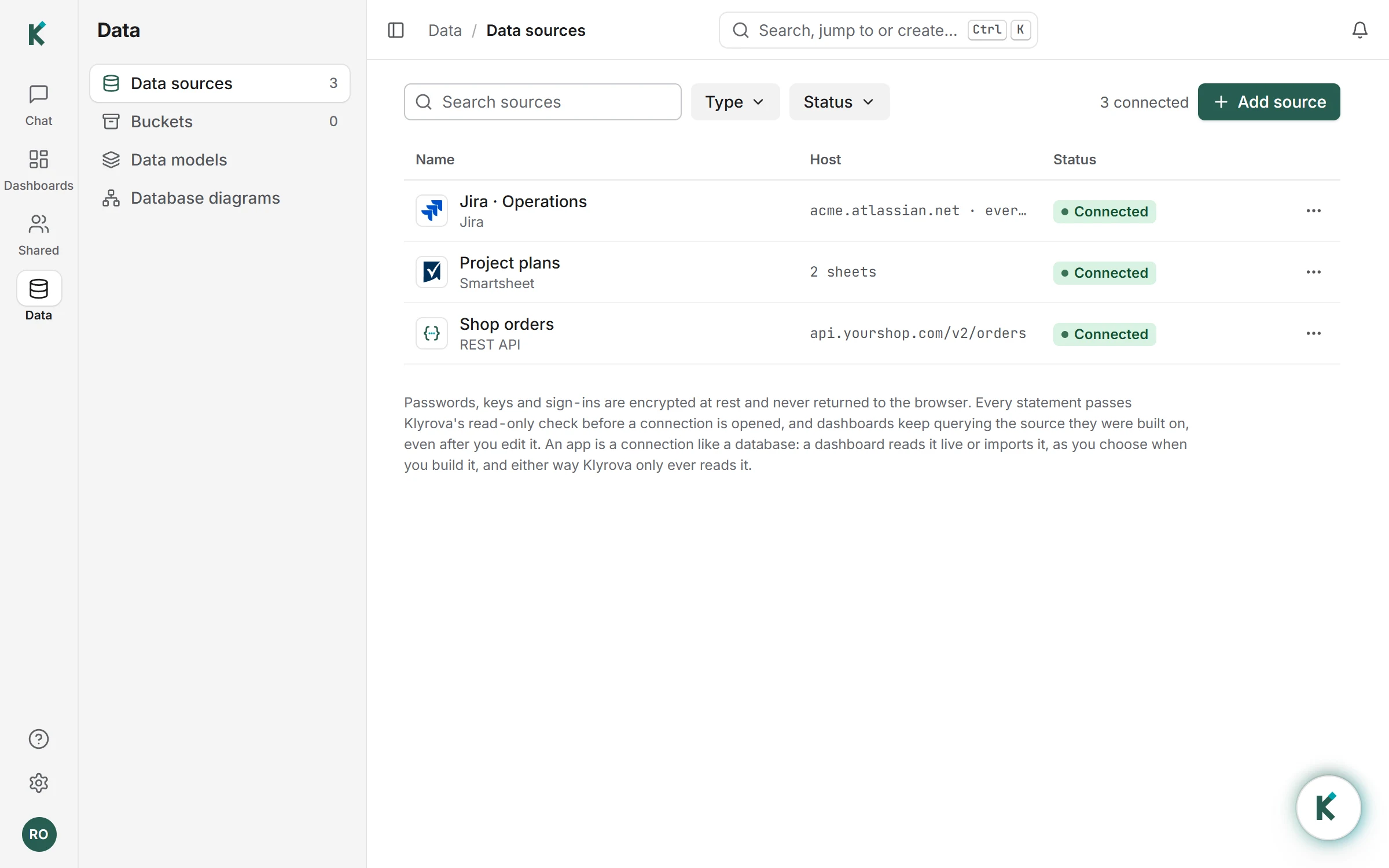
- In Klyrova's Data sources, choose Add source, then Smartsheet, and paste the token.
- When you build a dashboard on it, Klyrova lists the sheets that account can open. Tick up to 40, and choose how the dashboard reads them, as for a database: live, or imported (on Pro and Teams) at set times, up to eight a day.
The token is encrypted, tied to your Klyrova account and never shown again. Klyrova only reads from Smartsheet and never changes a sheet.
How sheets become tables
Each sheet becomes one table, named after the sheet, with a column for every sheet column and a row_number column. Numbers, dates and checkboxes keep their values; contact and multi-pick cells read as they are shown in Smartsheet. Klyrova reads every row, a page of 2,500 at a time, so long sheets are read whole.
Live, every refresh, filter and question reads the sheets afresh and Klyrova keeps nothing. Imported, the dashboard's data model keeps a copy, each import replaces it and the dashboards on it refresh; if an import fails, the last good copy stays and the model says why. You can switch a dashboard between the two in its settings.
Ask, then keep it
In the chat, Klyrova's agent knows your sheets. "Show tasks due in the next two weeks by owner" becomes a query, then a chart or a table. Ask it to build a dashboard to keep, or build a report yourself in the report builder with filters, maps and drill. Share it with your team, or on Pro publish it into another site.
Limits worth knowing
Up to 40 sheets per connection. A live read takes at most a minute and 250,000 rows a table; past that, import the sheets instead. One import reads up to two million rows and 400 MB a table within 20 minutes; past that it is refused in words and the last import stays. A connected app counts as one data source on your plan. Smartsheet connects by API token; there is no Smartsheet sign-in page for it.
Questions about Smartsheet dashboards
Can Klyrova edit my sheets?
No. It only reads the sheets you choose.
How many sheets can I connect?
Up to 40 per connection. Add another connection for more.
How often is the data refreshed?
Read live, each time a dashboard, a filter or a question asks. Imported, at set times up to eight a day on Pro and Teams, or whenever you press Import now.
Can I join a sheet with my database?
Yes. Put both in one data model, and Klyrova can show them on one dashboard.
Where do I get an API token?
In Smartsheet: Account, Personal Settings, API Access, then Generate new access token. The token can read what that Smartsheet account can open.
Updated 16 November 2026